
A managed DNS Filtering wireless broadband service provider for families seeking internet services without the risk of being exposed to:
age inappropriate content and
faith based inappropriate content.
MyFamily Mobile Managed DNS Webfiltering services include:
a range of Routers to choose from ,
a managed web filtering service defined by your chosen Profile (see below for more information) and
a tailor made broadband internet package.
Ahead of choosing a preferred broadband internet package clients use a router for 5 days without charge and during that time we monitor their internet usage. We call it “the tailoring period”. After the tailoring period, we recommend the best monthly data package for the family to subscribe to. Who else does this?
Routers
How to setup your router
More videos available further down the page
features
Discovery protection - NEW
This feature, highly recommended, remarkably enforces the efficacy of the Blacklist by adding the new sites identified through the Artificial Intelligence 4.0 system.
Artificial Intelligence 4.0 system uses a mix of artificial intelligence and machine learning in order to constantly scan the internet, searching for new threats, and, therefore, to guarantee continuously updated protection.
Artificial intelligence is a system of algorithms which allows a machine to imitate processes which are typical to the human mind, such as reasoning and learning, in order to be able to make reasonable decisions. Artificial Intelligence 4.0 system examines up to 200 thousand sites every day, supports twenty-four languages, and recognizes ninety categories of sites based upon content.
When installed at the router level, Artificial Intelligence 4.0 system provides protection and security for all devices connected to the network.
Google® / Bing® / DuckDuckGo® Search Protection (?)
Google, Bing and DuckDuckGo Safe search to limit search results (web pages, images and content). Only safe and appropriate results will be shown. Pornography and other such sites will not be included among search results. This function is called Safe Search and is used to filter the results of all Google and Bing searches, including images, so as to block pornographic and other unwanted content.
Youtube Search Protection® (?)
Youtube Safe search to limit search results (web pages, images and content). Only safe and appropriate results will be shown. Pornography and other such sites will not be included among search results. This function is called Safe Search and is used to filter the results of Youtube searches, including videos, so as to block pornographic and other unwanted content.
Geoblocking Proctection
What is Geoblocking? Geoblocking technique allows us block access to websites that are physically hosted on servers located in countries with a high risk of malware and compromise. The below are currently blocked:
Baltics: Estonia, Latvia, Lithuania
IP not defined: Anonymous Proxy
Russia and C.W. of Ind. States: Armenia, Azerbaijan, Georgia, Kazakhstan, Kyrgyzstan, Moldova, Republic of Russian Federation, Tajikistan, Turkmenistan, Uzbekistan -
Satellite connections: Satellite Provider
We replace content restricted with content deemed appropriate for your young ones
In partnership with STATERs content has been generated for young ones to keep them pre-occupied. Have a look.


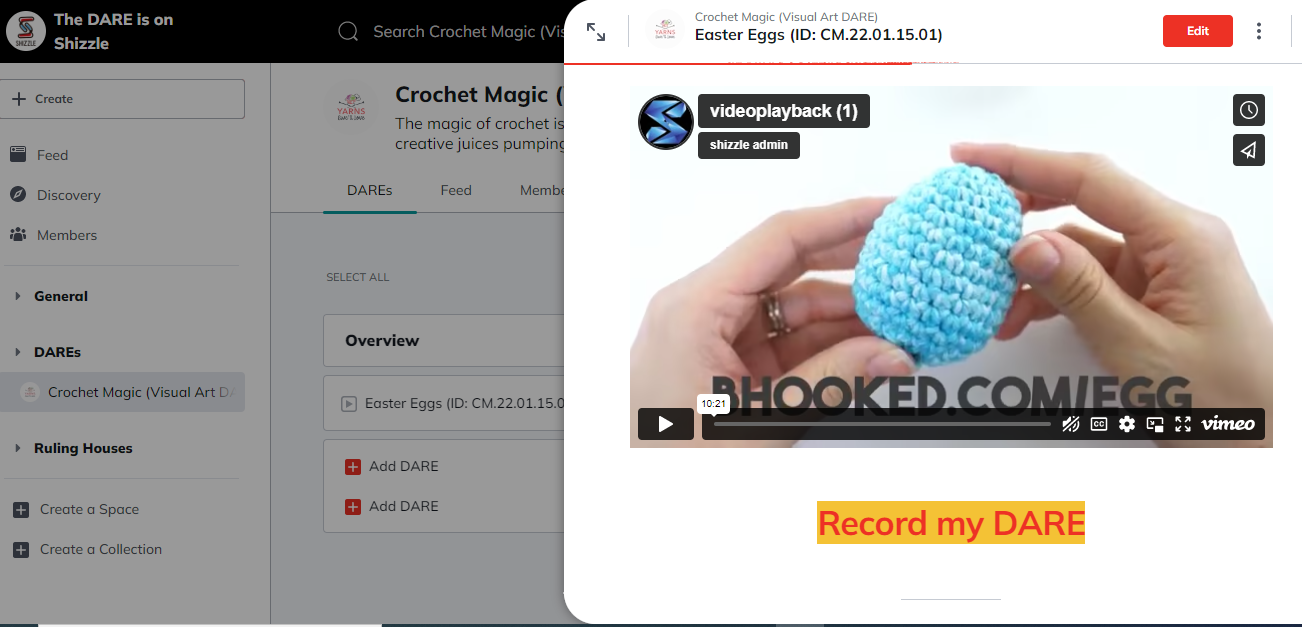
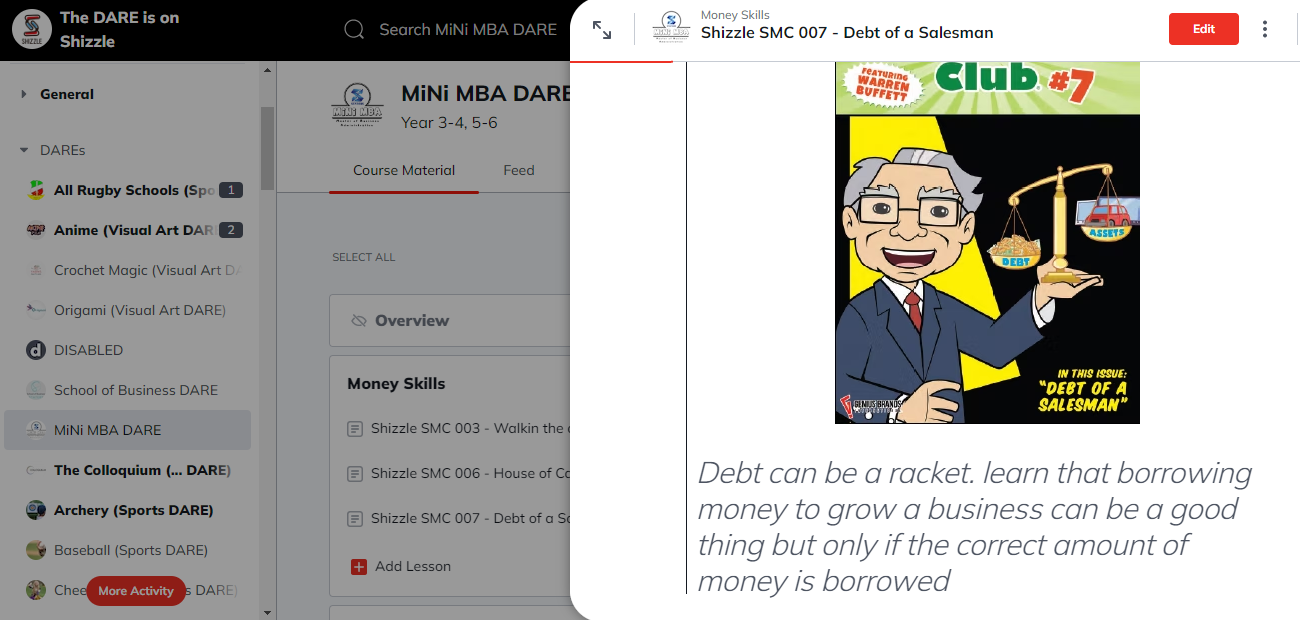


earn as you browse
Young ones get to earn as they browse with MyFamily Mobile. They are the recipients of the web-filtered service, so they play a role in paying for the service through their earnings. They earn whilst they browse on the members ONLY SHIZZLE platform. There are many jobs children can do to earn, and from their earnings they can pay for Disney Plus subscription, a day out to KidZania or next months subscription to MyFamily Mobile amongst many others..
profiles
We have four (4) profiles from which to choose from. They are age group specific profiles which have been tailored to ensure just about the right degree of exposure to content based on maturity.
For a granular description of each profile select from below for a PDF file showing content blocked or allowed..

7 years old and below
Profile 1 is for children aged below 7 years old. Please click button “Profile 1” below to download full explanation.

8 - 9 years old
Profile 2 is for children aged 8 to 9 years old. Please click button “Profile 2” below to download full explanation.

10 - 11 years old
Profile 3 is for children aged 10 to 11 years old. Please click button “Profile 3” below to download full explanation.

12 years and older
Profile 4 is for children aged 12 years and older. Please click button “Profile 4” below to download full explanation.
invitation to BETA test DNS Webfiltering services
You are officially invited to participate as a Beta Tester for MyFamily Mobile’s DNS filtered broadband services.
Dear Valued Friend:
After countless hours and the work of numerous dedicated individuals, Direct To Services (DTS) is thrilled to officially open Beta testing on MyFamily Mobile’s DNS Webfiltered broadband service for the family.
MyFamily Mobiles’ service will allow families to enjoy access to broadband services that is safe for children, and does not go against their faith. Before the service goes live in its final paid version, we are asking some of our valued friends [that’s you], to help us test out the service and make sure there are no bugs [yuck!], errors, or functionality issues.
So, what does a Beta Tester have to do? It’s easy, just use our routers to browse as you usually do, and then let us know what you think and if you run into any issues along the way through our follow-up survey.
Steps to participate as a Beta Tester:
Complete the form found HERE or use the button below marked: BETA TEST FORM.
Receive your Router
Follow the instructions in connecting the Router to your devices
Begin browsing.
Try to keep in mind these questions while you browse:
Is the service functioning as you would expect?
Does the service let through sites that should be blocked while using it?
Display any strange issues in the functionality?
Were any features missing/hard to find/difficult to use?
As a special thank you for being a BETA Tester, you will also receive a discount code to subscribe once it is launched.
We must obtain feedback from as many Beta-Testers as possible, so we sincerely hope you accept our invitation to participate.
Sincerely,
papers




Videos
services
Features
Features of the Service can be viewed in this video.
Features
Safe Browse and Search
Information on Safe Browse and Search can be viewed in this video.
Safe Browse and Search
Managed Services
Information on Managed Services can be viewed in this video.
Managed Service
Profile
Information on Profiles available can be viewed in this video.
Profiles